
City modeling has been one of the most challenging parts of the lobby, and it was the main reason why Failsafe (my first game idea) was so challenging to create.
Since then, I’ve learned a lot about modeling buildings, including creating unique structures, UV texturing, and improving my skills inside of Blender.
Here are some screenshots of the buildings I modeled for the lobby…
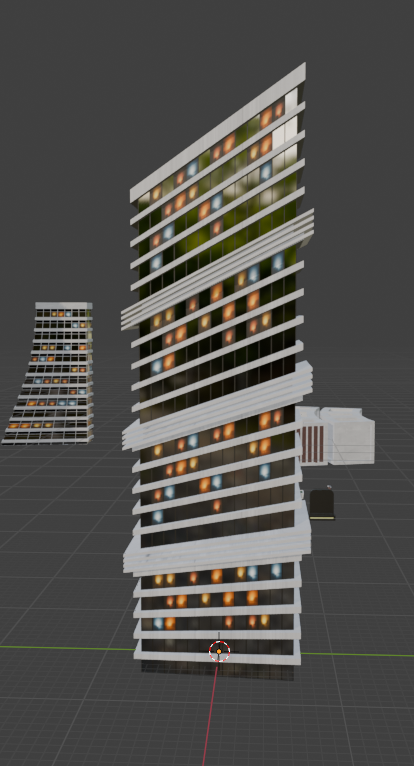
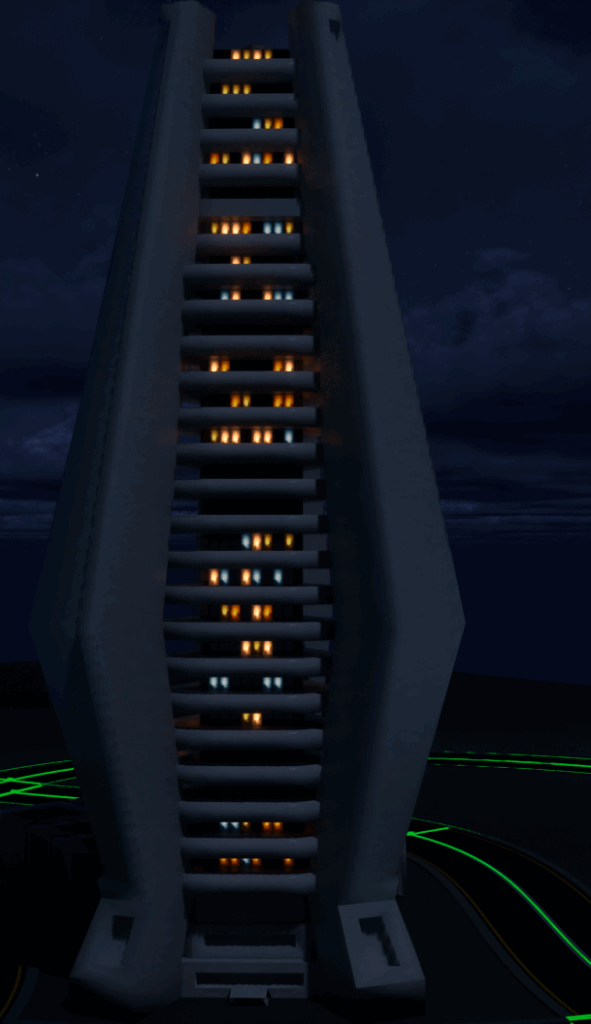
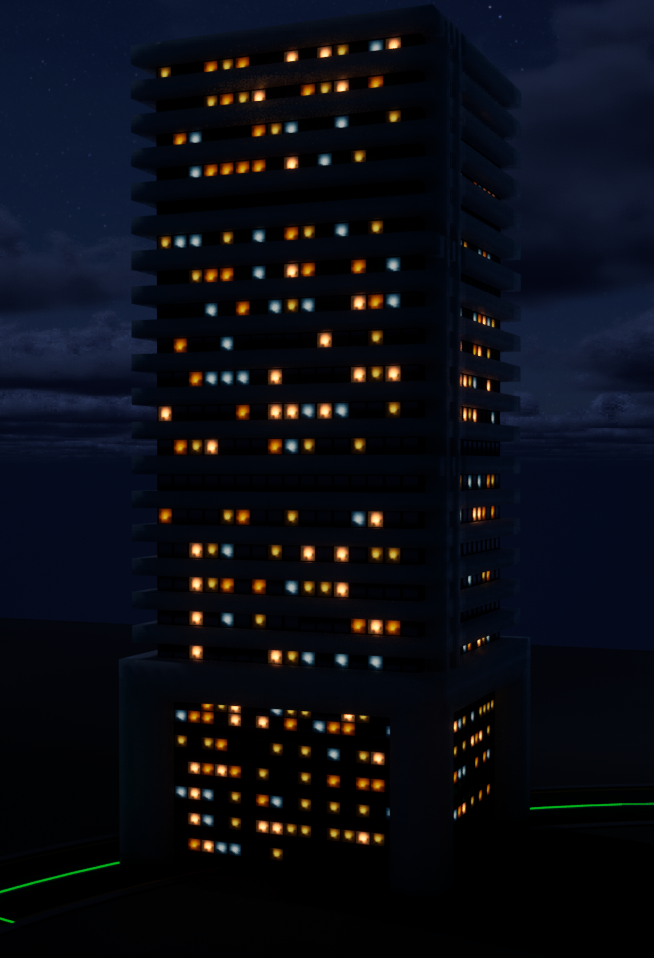
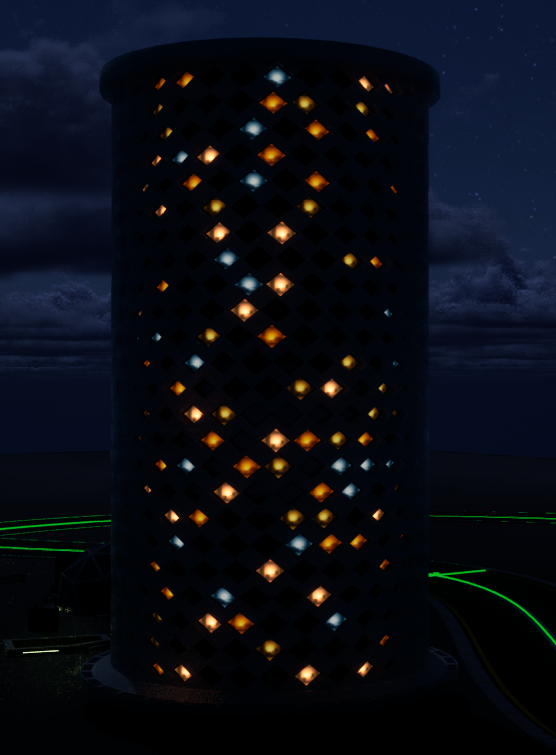
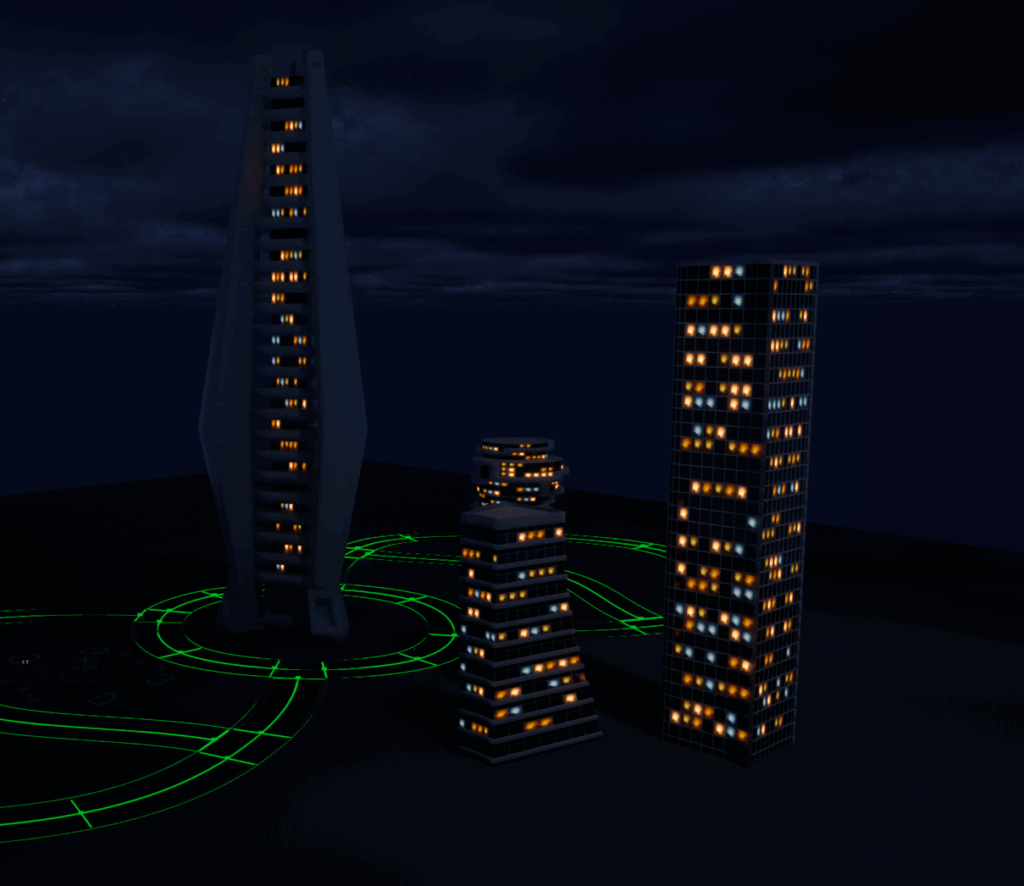
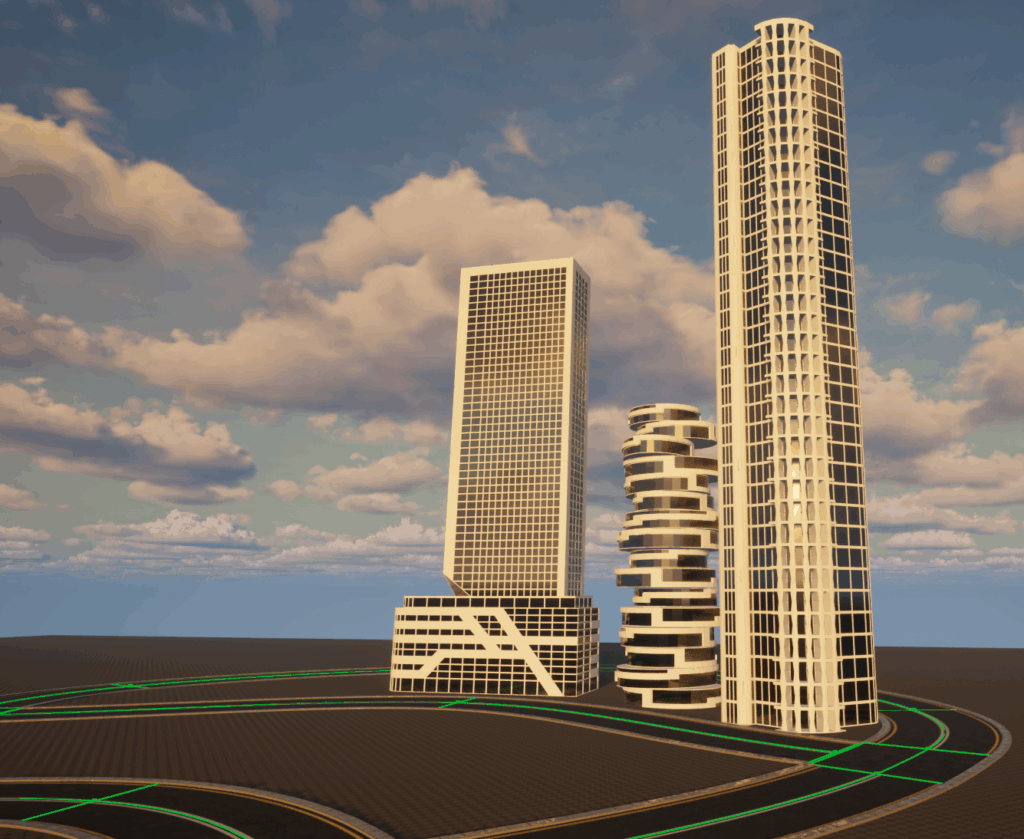
Here are some of the most valuable tips I can give on city development:
- Make sure to measure and scale your buildings correctly in Blender before importing them. I often scaled the buildings too large, and ended up having to discard a bunch of them.
- Use reference images. It can be difficult to create abstract silhouettes from scratch.
- Take an arial screenshot of the area that you need to design buildings for and mark on it, to get a rough idea for building placement.
- Learn more about UV texturing. This can improve the visual quality of your building textures.
- Keep modularity in mind. Design buildings with easily repeatable shapes to reduce the number of unique models needed to fill an area.
- Optimize as you go. Avoid overly dense geometry as this can drastically impact performance.
All these tips will be addressed in the video below.
Insert video here.
Again, I am still learning, this is just what has helped me. If anybody has any feedback, reply below.
Leave a Reply