
This post explains how I built the road system inside the Hyperline Racing lobby.
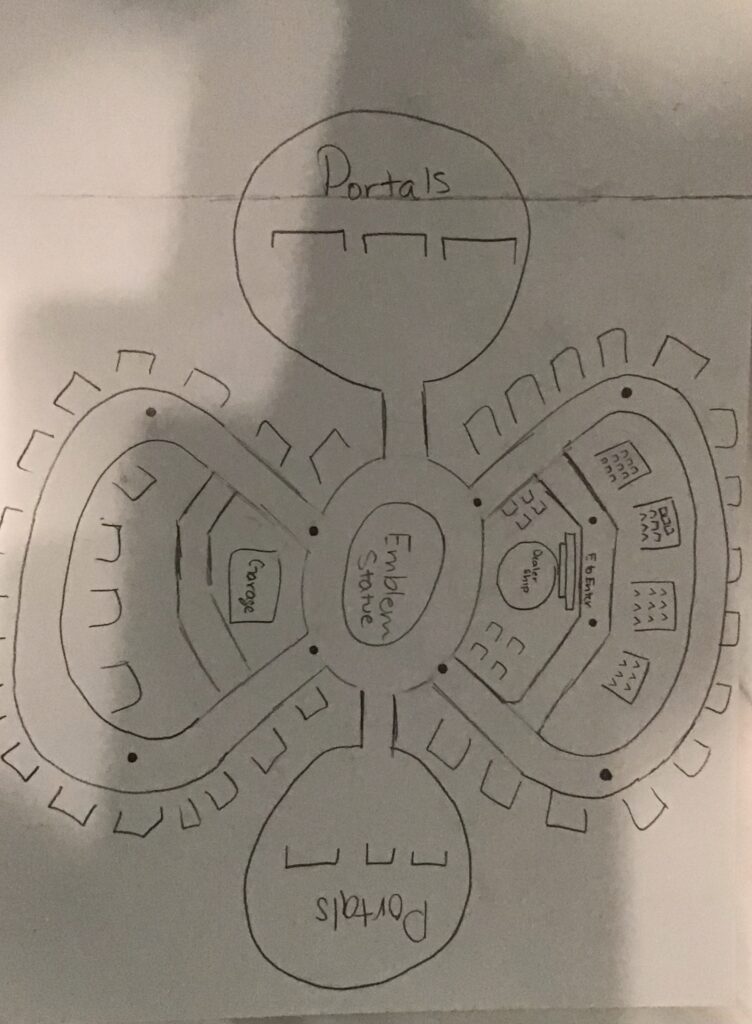
One of the biggest challenges I faced was trying to develop the infinity-shaped road system in a clean, modular way. Below is an image of the map I envisioned…
Insert general video about splines in unreal here….
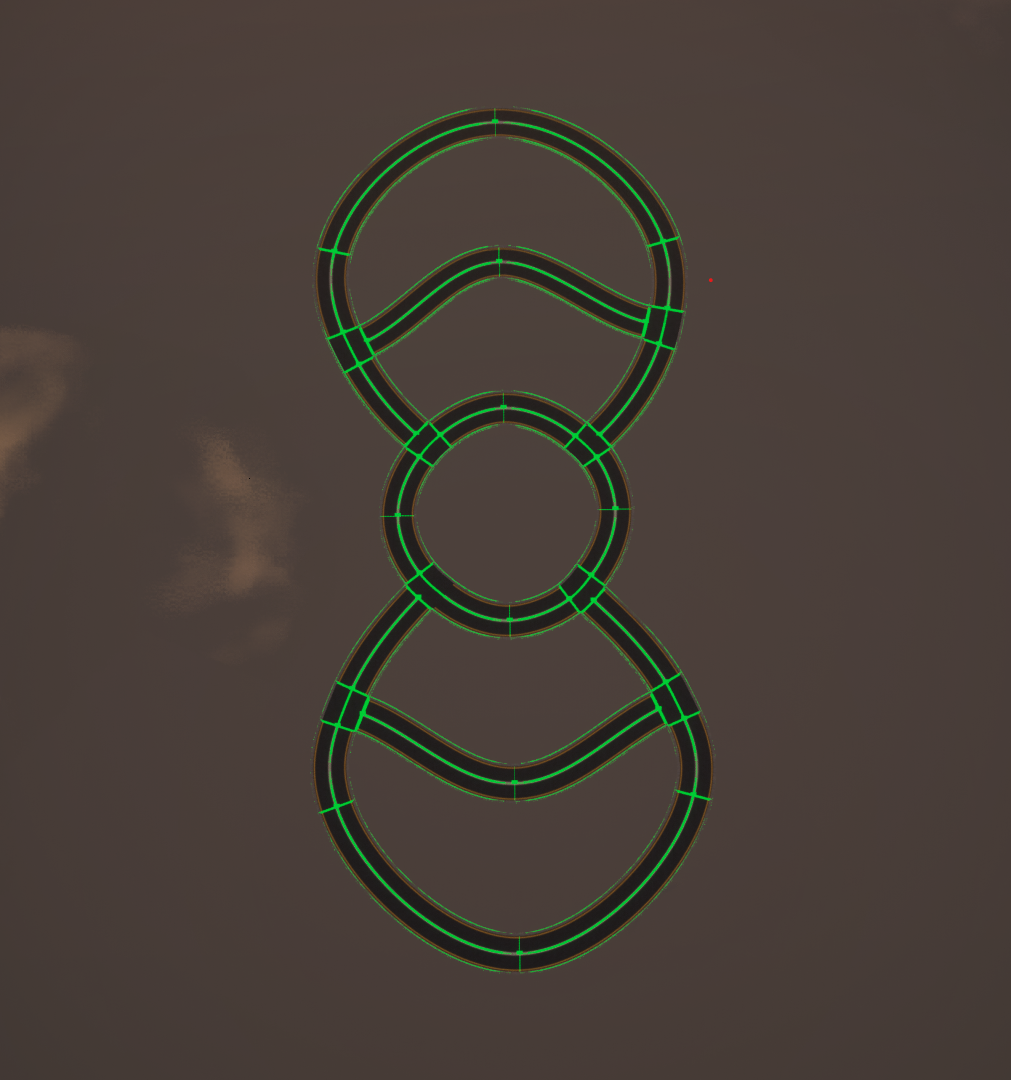
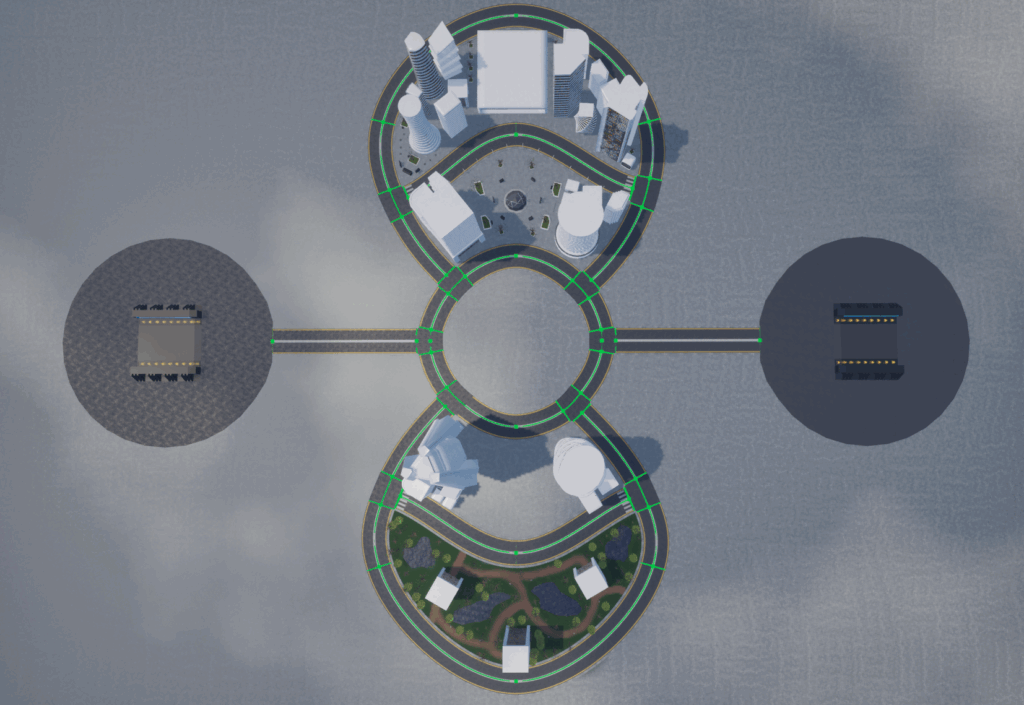
Here are some before and after images of the roads.
Here are some of the most valuable tips I can give on creating splines in Unreal Engine:
- DISABLE NANITE ON YOUR TRACK MESH ⚠️. Even with the same triangle count, Nanite rearranges triangles to improve performance, but this breaks the uniformity needed to create smooth splines.
- Scale your meshes correctly before importing them. It is difficult to fully customize your mesh dimensions after it’s imported.
- Add subdivisions to refine curves, but don’t over do it. Adding overly complex geometry is important, but extra geometry can just overcomplicate the spline and reduce performance.
- Make your your meshes pivot point is placed correctly. This can cause inconsistencies when repeating meshes.
- Optimize as you go. Avoid overly dense geometry as this can drastically impact performance.
All these tips will be addressed in the video below.
Insert 9-13-25.mkv here…
Again, I am still learning, this is just what has helped me. If anybody has any feedback, reply below.
Leave a Reply