
Foliage or plants can make or break your game. Foliage is very demanding and only if optimized correctly, can it bring your game to life.
In my game, I have used softwares such as TreeIt and Blender to create stylized trees for Hyperline Racing.
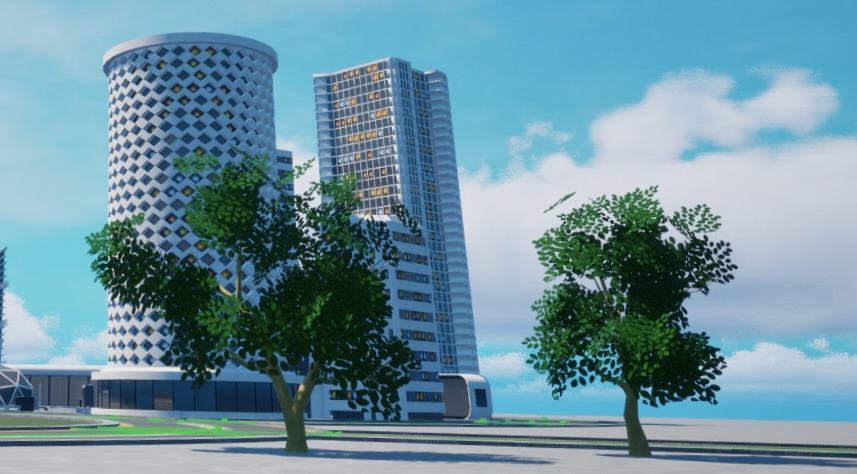
Here are some valuable tips when creating Foliage in Unreal Engine:
- When using TreeIt, make sure to download the Microsoft Visual C++ 2008 Service Pack 1 Redistributable Package MFC Security Update (specifically the x86 version). Since TreeIt is an older software, it needs additional firmware to run correctly.
- For stylized leaf textures, use AI Image Generation. This allows for lots of customization on your tree leaves.
- Use culling and LODs. Foliage is expensive because of the large number of polygons it requires. Unloading trees or bushes when they aren’t visible can save performance.
- Use billboarding. Billboarding is a popular technique in video games where foliage is composed of a single or multiple 2D planes. Billboards can work alongside LOD’s to create extremely efficient foliage.
- Here are some examples (grass and tree)
- insert images
- Make sure to enable Alpha Cards on your leaves.
Insert video here.
Again, I am still learning, this is just what has helped me. If anybody has any feedback, reply below.
Leave a Reply